
Premium IPTV Player
Your IPTV, beautifully played.
Connect your Xtream Codes login or M3U playlist and watch Live TV, Movies and Series across every screen — with a free cloud account that syncs everything and zero ads.
VueStream is a media player only — bring your own playlist.

Available on
An IPTV player for every screen.
One free account, every device in the house — an IPTV player for Fire TV, Android TV / Google TV, Samsung, LG, Apple TV, iPhone, iPad and the web. Install VueStream wherever you watch, then pick up right where you left off.
Android phone & tablet
Our primary build with mpv / media_kit hardware-decoded playback. Also available as a direct APK.
Get it on Google PlayAmazon Fire TV & tablets
An IPTV player for Fire TV and Firestick with the full 10-foot, remote-friendly UI. Install from the Amazon Appstore or sideload the APK.
Get it on Amazon AppstoreAndroid TV / Google TV
An IPTV player for Android TV and Google TV with the complete 10-foot UI, D-pad navigation, XMLTV guide and on-screen keyboard.
Get it on Google PlayApple TV (tvOS)
A native IPTV player for Apple TV (tvOS) with account sign-in, EPG and the full VueStream TV UI. Requires tvOS 17 or later.
Download on the App StoreiPhone & iPad (iOS)
An IPTV player for iPhone and iPad with media_kit playback, favorites, EPG and free cross-device cloud sync.
Download on the App StoreSamsung Smart TV (Tizen)
An IPTV player for Samsung Smart TV (Tizen 8.0, 2023 and newer). Install right from your TV's app store — no sideloading.
Search “VueStream” on your TVLG Smart TV (webOS)
An IPTV player for LG Smart TV (webOS), installable from the LG Content Store and also distributed as an IPK.
Search “VueStream” on your TVWeb IPTV player
A web IPTV player that runs instantly in any modern browser with an HTML5 / hls.js backend — play your M3U or Xtream Codes playlist with no install.
Open the web IPTV playerWhat you can do
Everything in your subscription, in one premium player.
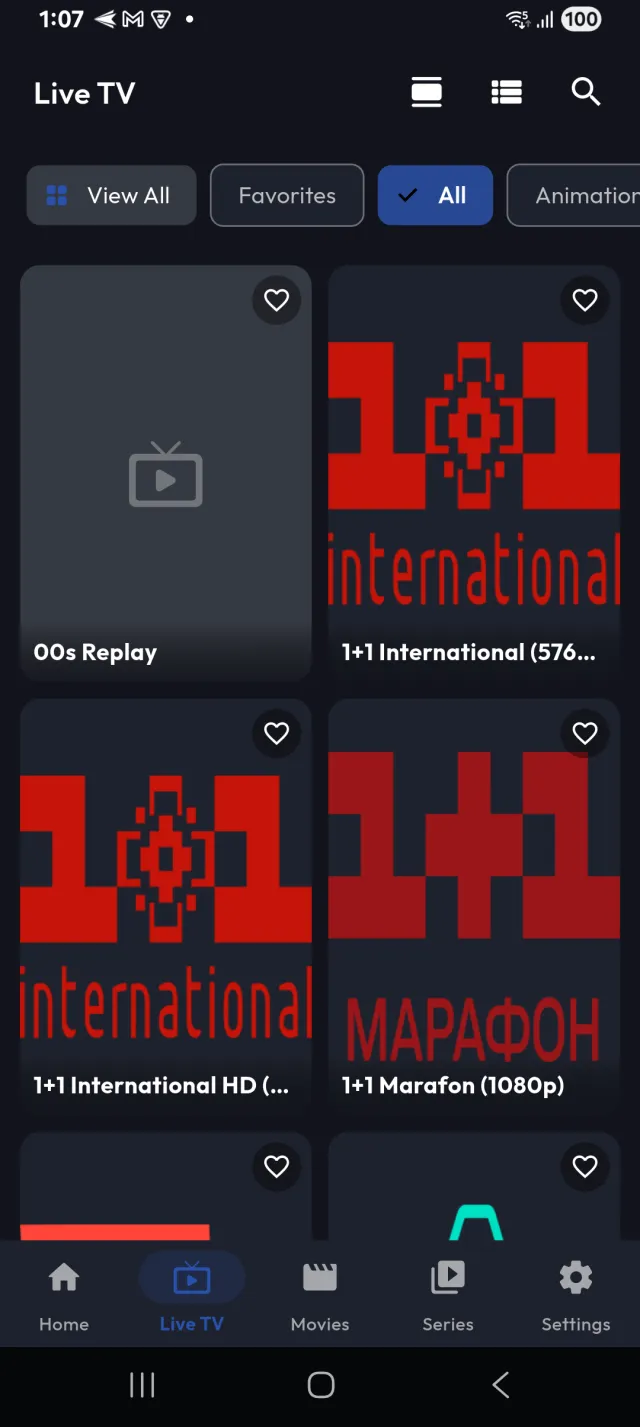
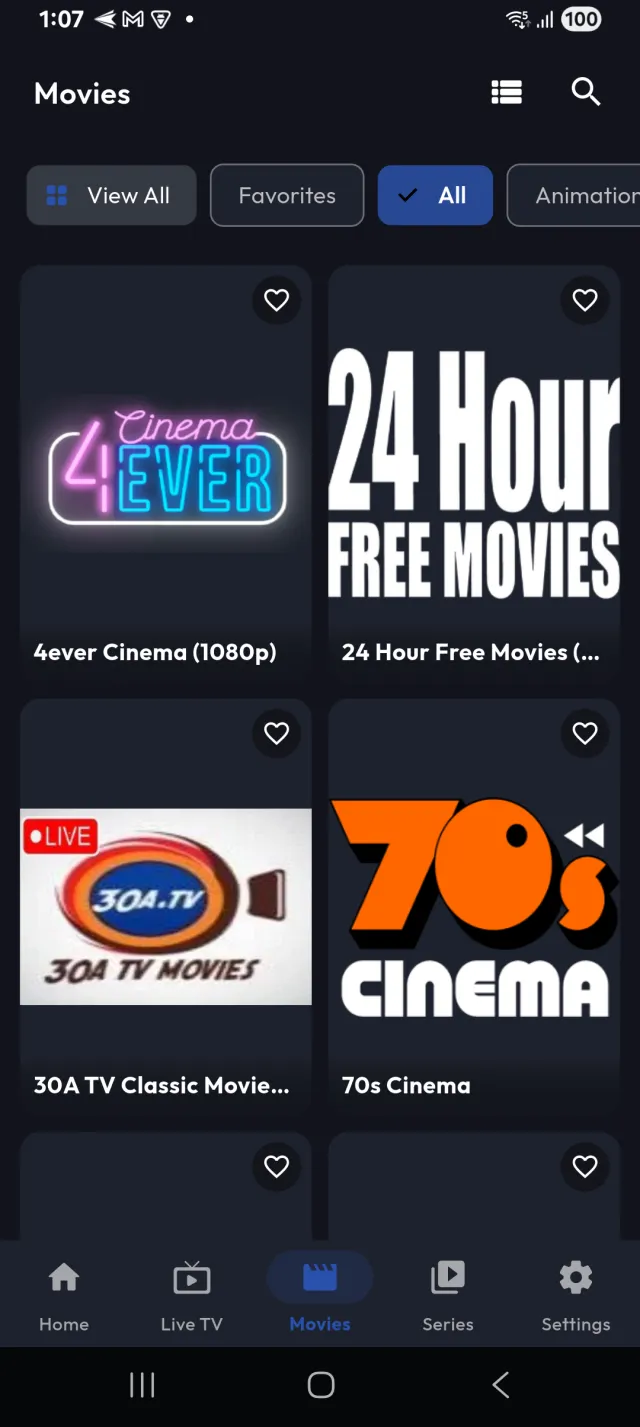
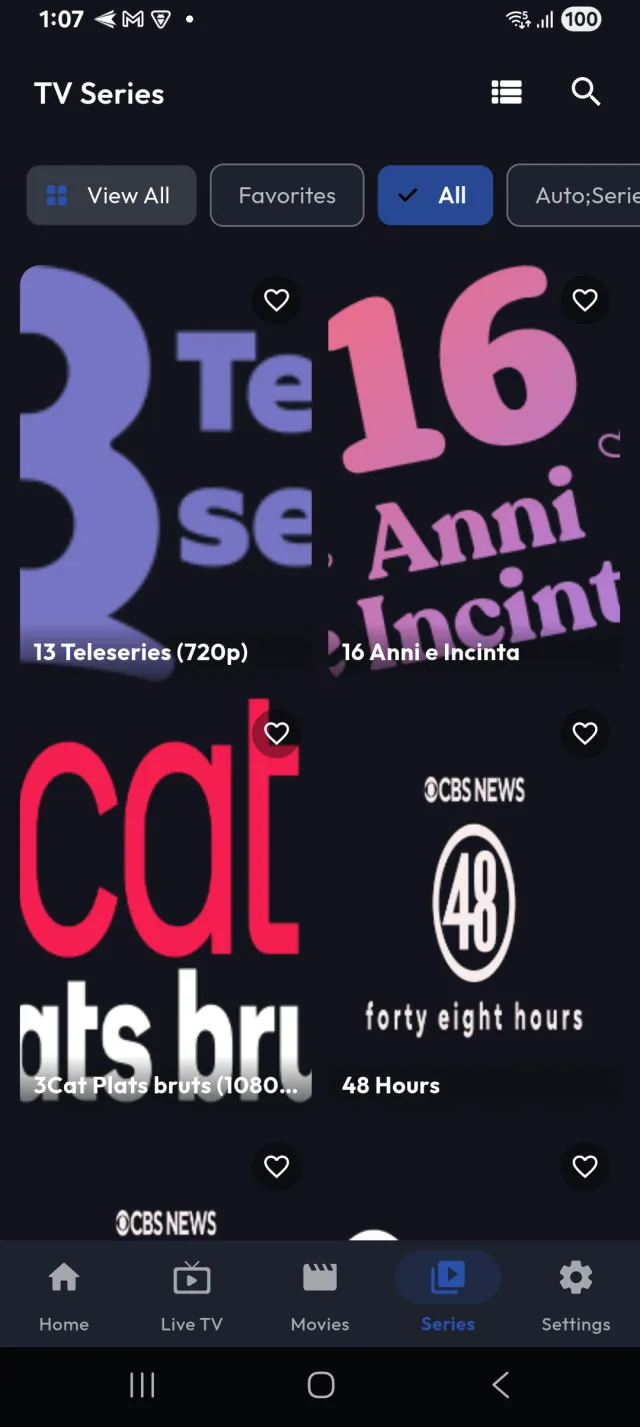
Live TV, an on-demand movie library, and binge-ready series — loaded straight from your own Xtream Codes login or M3U / M3U8 URL.
Live TV with a full TV Guide
A complete electronic program guide shows what’s on now and next in a scrollable grid you can jump by time and category. Load your XMLTV URL once and the whole channel line-up comes to life.
- On-now / next grid with a live indicator
- Jump by time slot and provider category
Movies & Series, organized your way
Your on-demand movies and binge-ready series arrive sorted into libraries and categories. Instant search, one-tap favorites and continue-watching keep a giant playlist easy to navigate — and drop you back exactly where you left off.
- Categories, search and one-tap favorites
- Continue watching, per profile
Cast to the big screen
From the phone and tablet apps, VueStream discovers devices on your network and beams your stream to the TV in the room — Chromecast, Android TV / Google TV, Roku, Amazon Fire TV, Samsung and LG, plus any DLNA device.
- Automatic device discovery
- Casting runs in the native apps, not the browser
One free account, every device
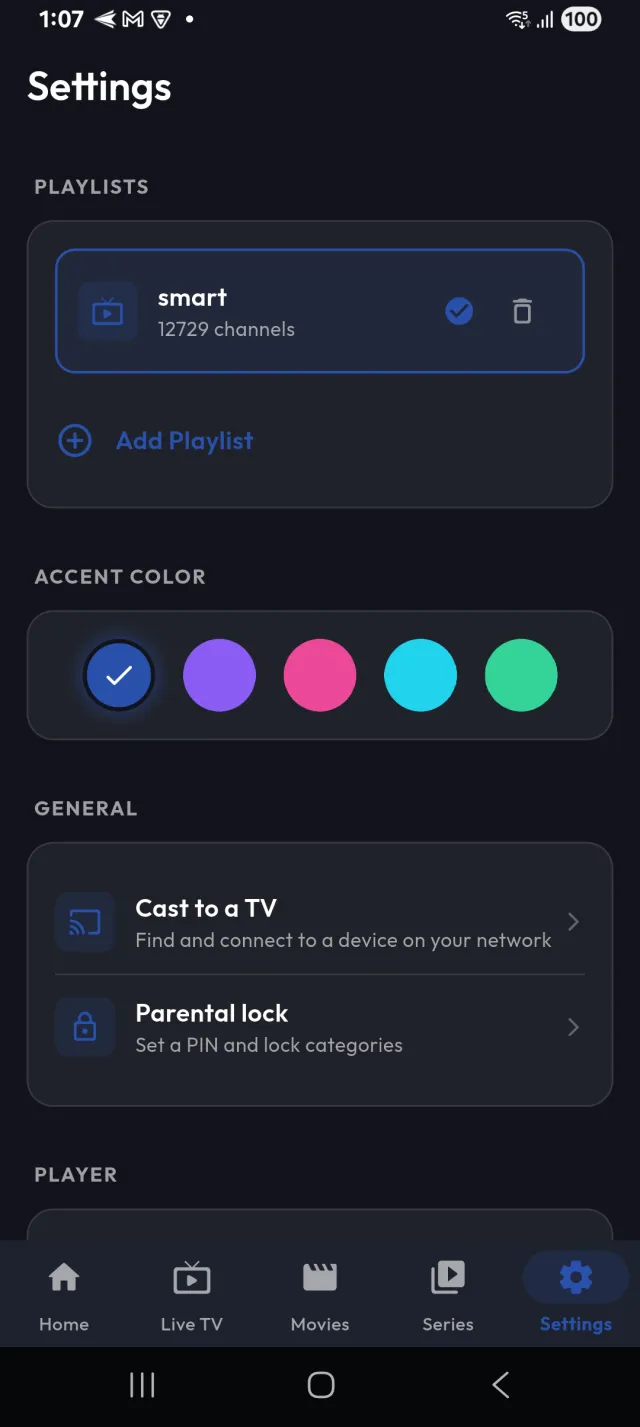
Add a profile for everyone in the house, then your playlists, favorites, watch history and settings sync automatically to every device you sign in on. Set it up once and “Who’s watching?” follows you from the couch to the commute.
- Multiple household profiles
- Automatic cross-device sync
How it works
Up and running in three steps.
1. Create your free account
Sign up in seconds and add a profile for each person in the household — no card, no ads, no catch.
2. Add your playlist
Enter your Xtream Codes login or paste an M3U / M3U8 URL, plus an optional XMLTV link for the guide.
3. Watch & cast anywhere
Press play on any screen and cast to the TV — your favorites and progress follow you everywhere.
Features
Built to play everything, the way you want.
The full toolkit — powered by a pro-grade engine, wrapped in a calm, cinematic UI.
Live TV, Movies & Series
Everything in your subscription — live channels, an on-demand movie library and binge-ready series — from your own Xtream Codes login or M3U / M3U8 playlist.
Full TV Guide (EPG)
A complete electronic program guide via XMLTV shows what’s on now and next, in a scrollable grid you can jump by time and category.
Favorites, search & continue watching
Instant search, provider categories and one-tap favorites tame a giant playlist — and VueStream drops you right back where you left off.
Cast to the big screen
Beam your stream to the TV in the room — Chromecast, Android TV, Roku, Fire TV, Samsung and LG, plus any DLNA device on your network.
Free cloud account + profiles
A free account with a profile for everyone in the house keeps your playlists, favorites, history and settings synced across every device automatically.
Built for the TV
A purpose-built 10-foot interface with full D-pad / remote navigation, big focusable posters and a built-in on-screen keyboard — no phone-first menus on the couch.
Powerful playback engine
A pro-grade engine (mpv / media_kit) with hardware-accelerated decoding, subtitles and multiple audio tracks handles streams other players choke on.
Subtitles & multiple audio tracks
Switch between subtitle tracks and multiple audio languages on the fly, powered by the mpv / media_kit engine — handy for multi-language playlists.
Private & secure
Provider credentials are encrypted at rest (AES-256-GCM) with token-based auth, plus an optional parental-lock PIN. VueStream never sells or brokers content.
Zero ads
No banners, no interstitials, no tracking-for-ads. Just your media, played the way it should be.
A closer look
On your phone. On your TV.
The same premium VueStream, tuned for the screen in your hand and the one across the room.
On your phone
Swipe through the app
On your TV
Purpose-built 10-foot UI
A living-room interface, not a shrunk-down phone app
Big focusable posters, remote-friendly navigation and a built-in on-screen keyboard make VueStream feel at home on Fire TV, Android TV / Google TV, Apple TV, Samsung and LG — right from the couch.
No catch
Free to download. Free cloud account. Zero ads.
Create a free VueStream account, add a profile for everyone in the house, and your playlists, favorites, watch history and settings follow you to every device — automatically.
Free download
Every platform, no price tag. Install VueStream on as many of your devices as you like.
Free cloud sync
Most players charge for multi-device backup. VueStream syncs your setup across every device for free.
No ads
No banners, no interstitials, no ad tracking. Every ad path in the app is a no-op — for real.
Support & FAQ
Questions, answered.
Everything you need to know before you press play.
Need setup steps? See the VueStream help & setup guide for adding your M3U or Xtream Codes playlist and XMLTV guide, or email support@vuestreamplayer.com — we’re happy to help.
Start watching in minutes — free.
Download VueStream, sign in to your free account, add your playlist, and press play on any screen.
On your TV? Search “VueStream” in your TV’s app store.
VueStream is a media player only — bring your own playlist. It does not provide, host, or include any TV channels, films, streams, or other media.